

App or browser · One selfie · Just your face
Your face.Their photos.Found.
Open it in any browser or the app, sign in, and take one selfie — then instantly get every photo you're in, ranked by match.
Free · no card required.1 selfie to find your photosRanked by match
Scan to find
your photos
your photos
25 photos found
ranked by match
ranked by match

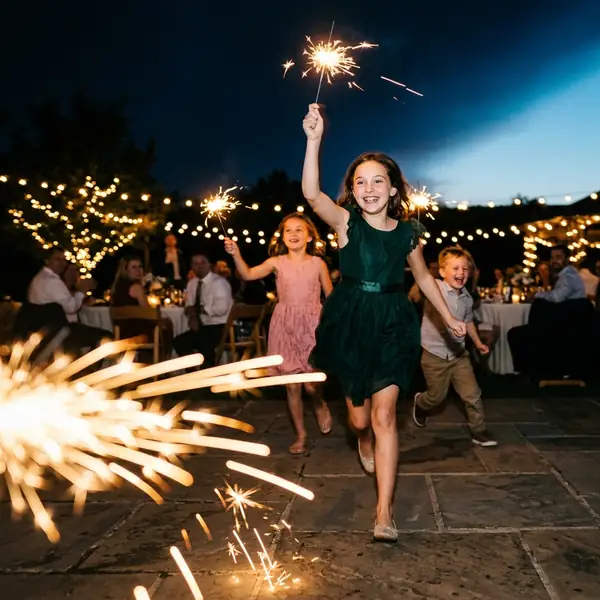
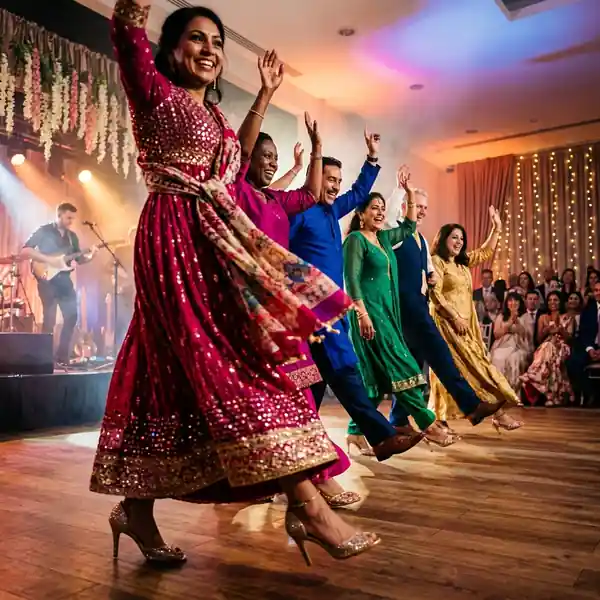
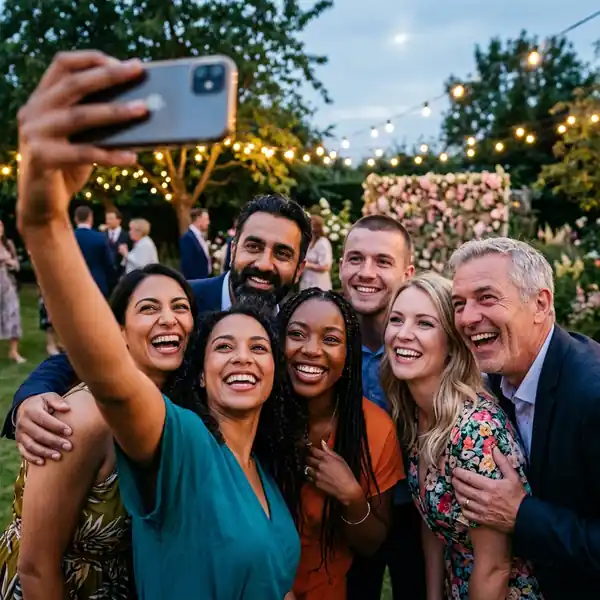
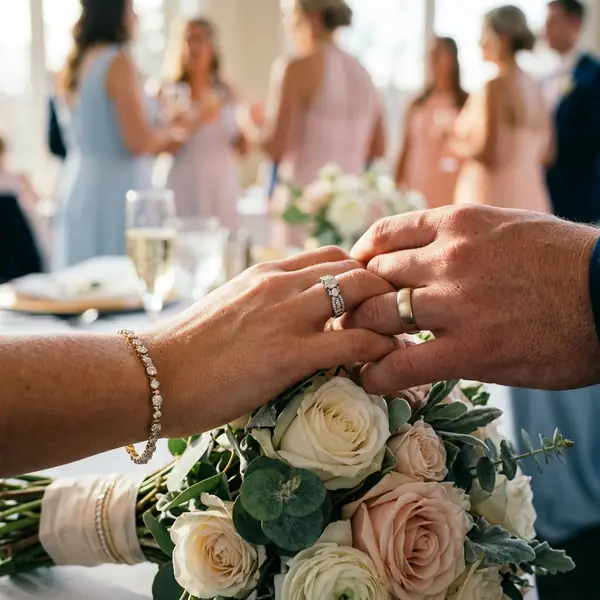

How it works
From QR to "these are my photos" in seconds
One link. Anyone adds photos, everyone finds themselves — with a single selfie.
Anyone addsEveryone finds
01
Create your event
Wedding, festival, or a trip with friends. Name it, go live in minutes.
02
Share one QR code
One QR, one link. Print the poster — "Scan to find your photos."
03
Everyone adds photos
Host, photographer, or the whole group. Camera, gallery, or a Drive link.
04
Everyone scans & selfies
One selfie. Every photo you're in, ranked by match.
Find my photos
"One snap and we'll match you to every photo from this event."
No tagging, no scrolling
The face match does the work. You never tag anyone or hunt through a gallery.
Ranked by match
Your best, clearest photos surface first — strongest match at the top.
Come back anytime
Recent searches are saved; reopening them is free and instant — your photos stay put.
Private by design
We turn your selfie into an encrypted signature to find your photos, then discard the photo. It's never sold, and you can delete it anytime.
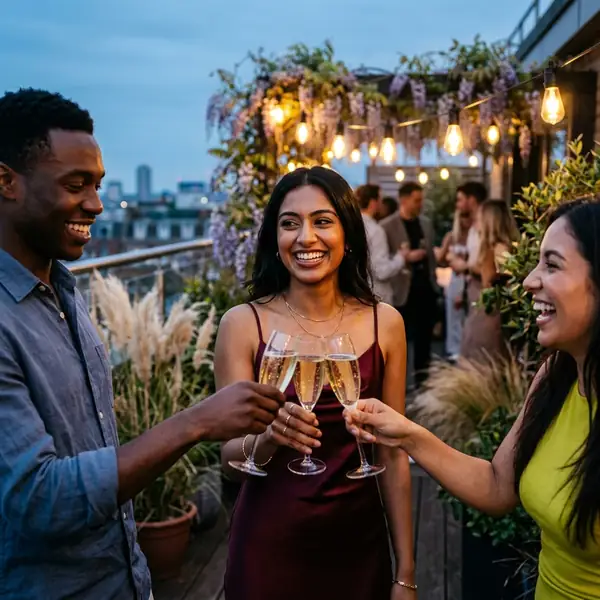
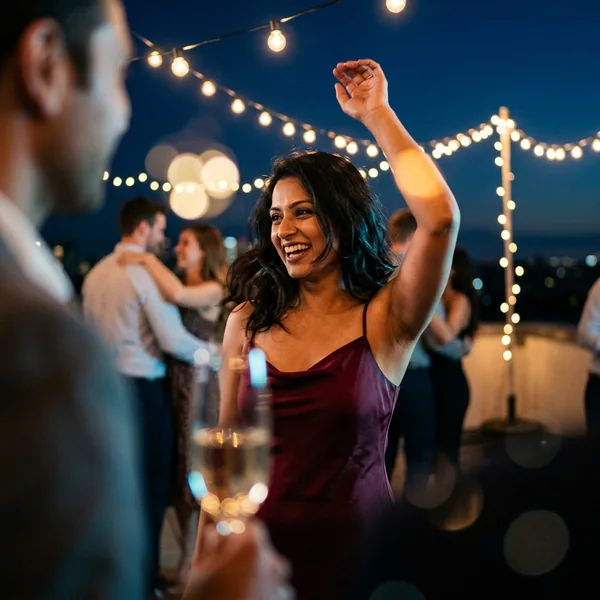
12 photos foundranked by match · ready to download

Features
Everything the magic needs — nothing it doesn't
Real, shipping capabilities that make finding and sharing event photos effortless.
Selfie face search
One selfie finds every photo you're in. No tagging, no scrolling — the match does the work.
App or any browser
Runs in any browser, or grab the app. Scan the QR or open the link — that's the whole setup.
3 privacy modes
Public, Private (PIN to upload), or Selfie-only — the most private of all.
Add photos 3 ways
Camera, gallery, or a public Google Drive link — pulled in the background, only what’s new. A desktop console handles hundreds at once.
One QR + printable poster
One code for guests and photographers. Download an A6 poster PDF for venues and tables.
Bulk download & share
Select all, save many at once, and share your photos straight to any app.
Privacy first
Three privacy modes, set at creation
This is a face-recognition product — trust is a feature, not an afterthought. You decide exactly who can see and contribute.
Public
Open to everyone
"Anyone with the link can browse and contribute."
Private
Browse open, PIN to upload
"Browse is open. Uploads require the PIN."
Selfie only
No public gallery at all
"Guests must do a selfie match before seeing any photo. Most private."
Most privateVisibility locks once your event starts — it can't be changed after, so guests can trust exactly what they're joining.
Use cases
Built for every occasion
One selfie, every event — the magic travels wherever the camera does.
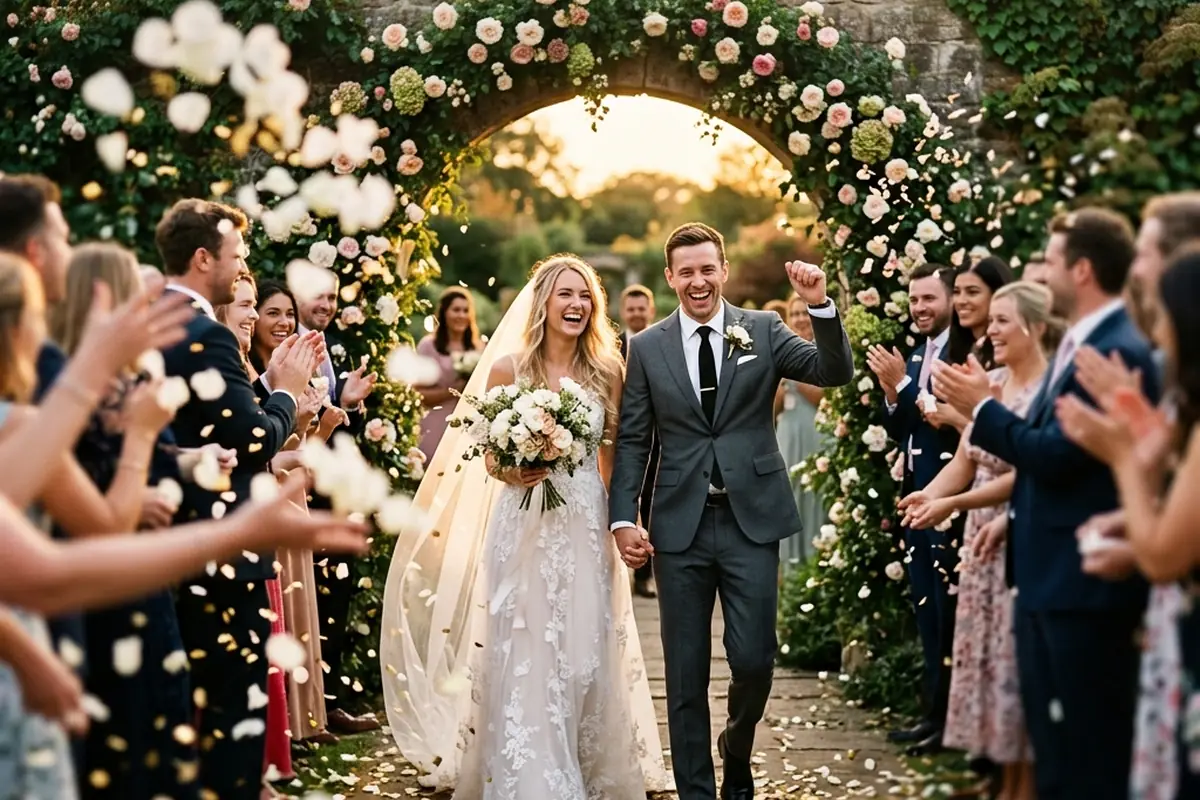
Weddings
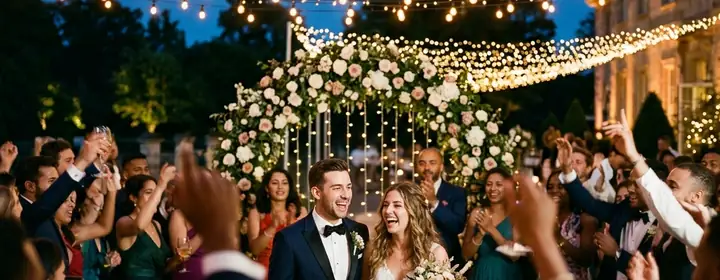
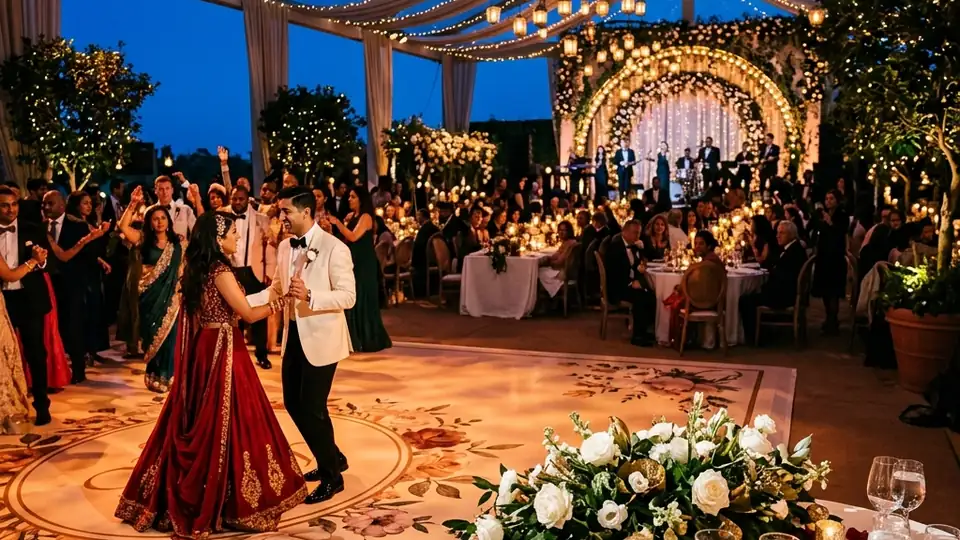
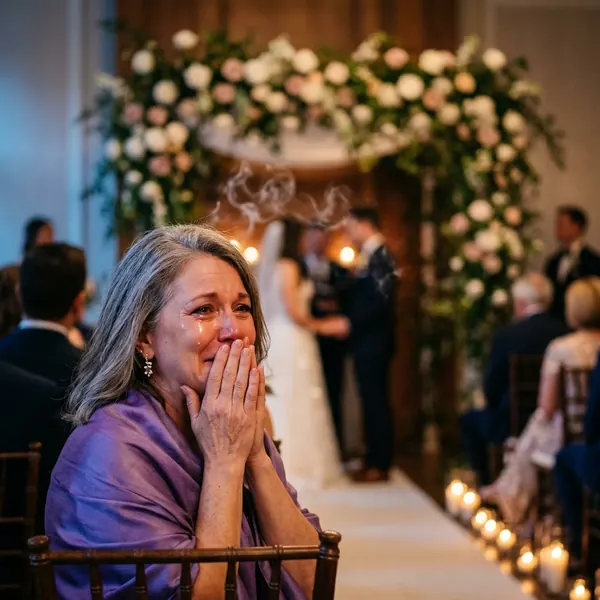
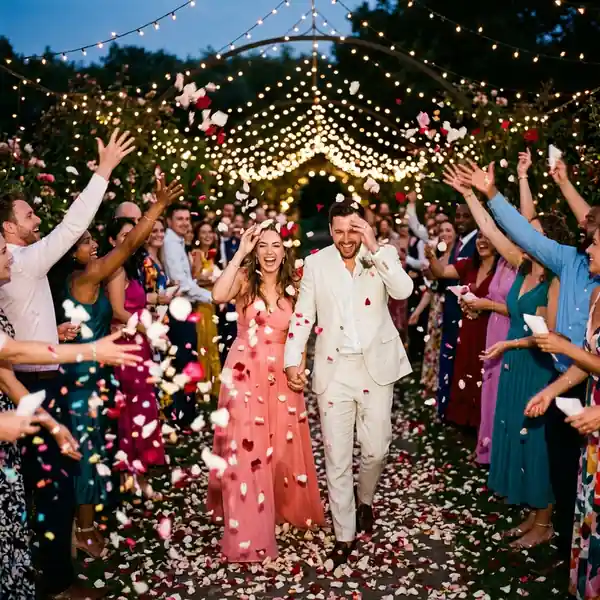
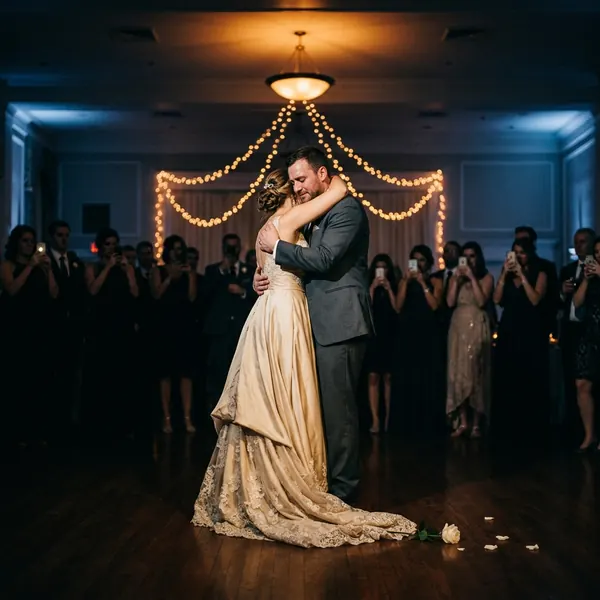
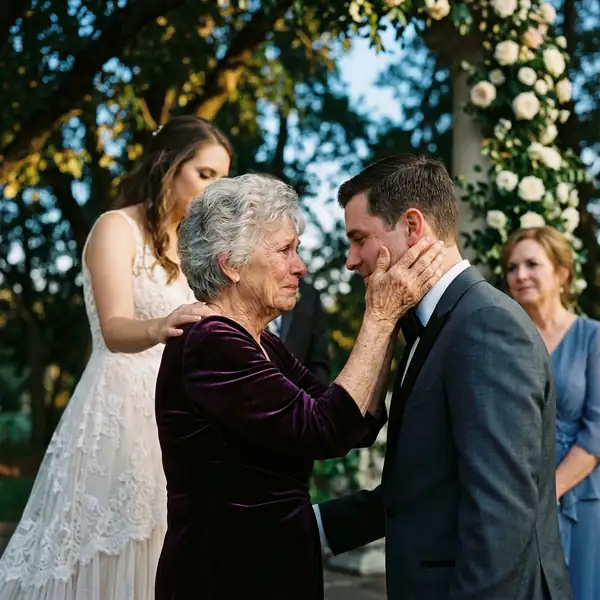
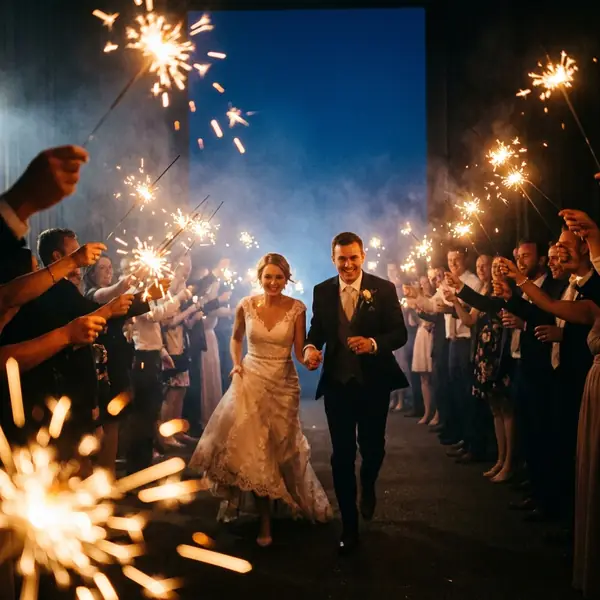
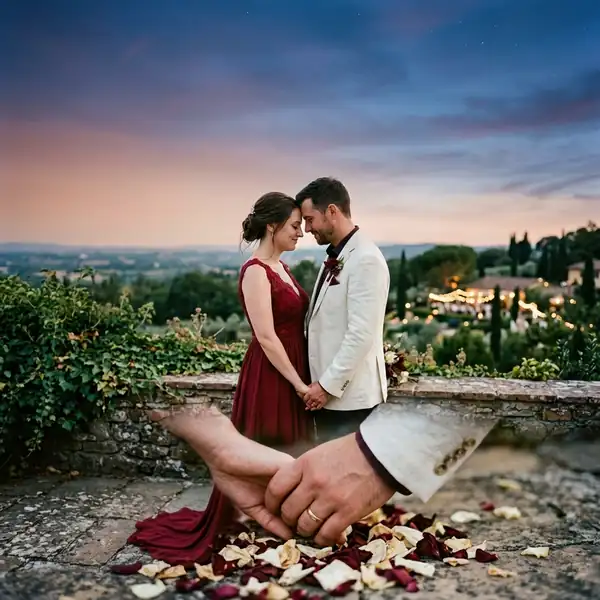
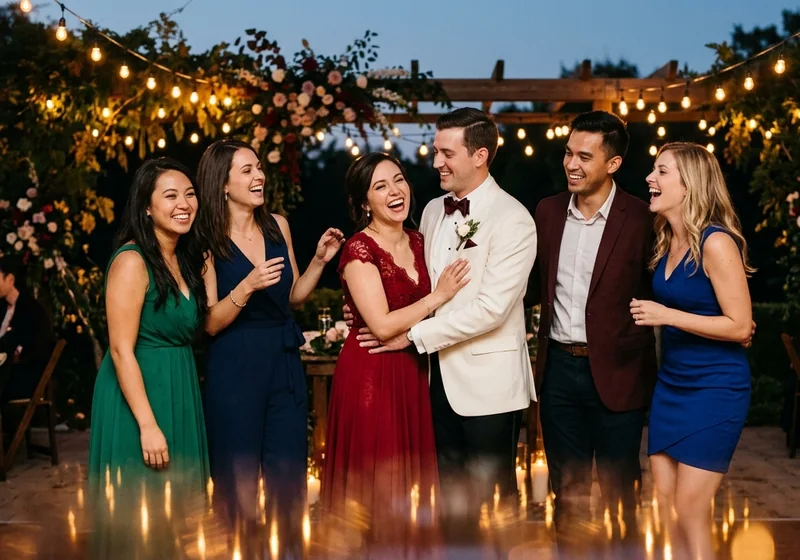
Every guest finds their candids with a selfie — no shared drive, no "send me the photos."
Explore weddings
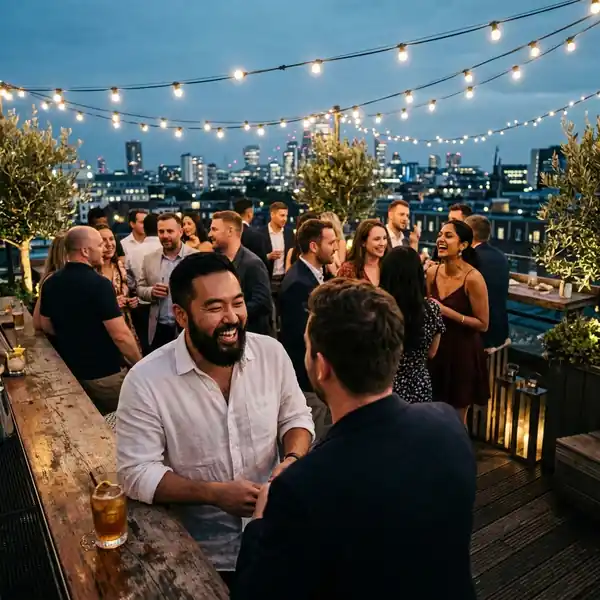
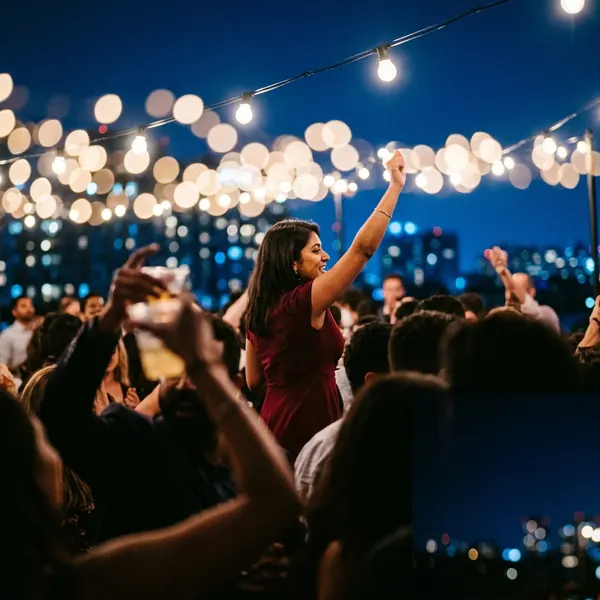
Corporate events
Headshots and networking moments delivered to each attendee, privately.
Explore corporate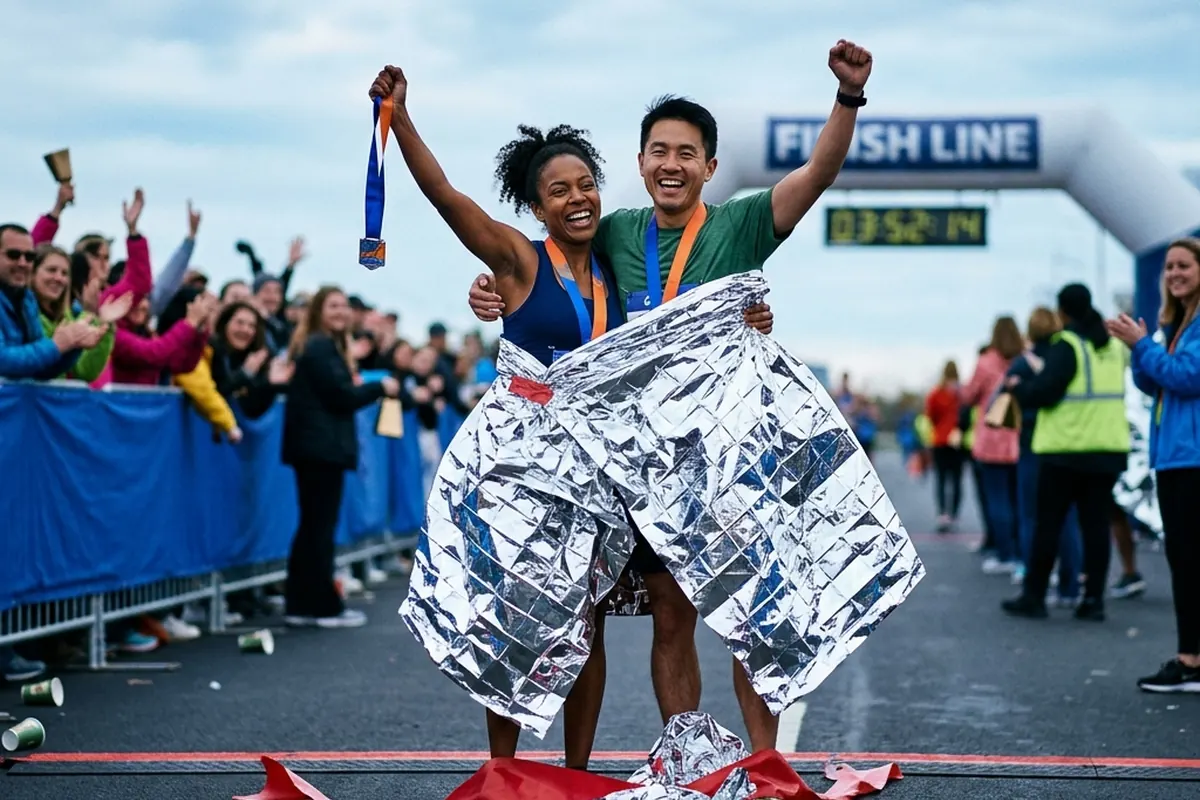
Sports & marathons
Finishers find their race photos with one selfie, while the adrenaline's still high.
Explore sports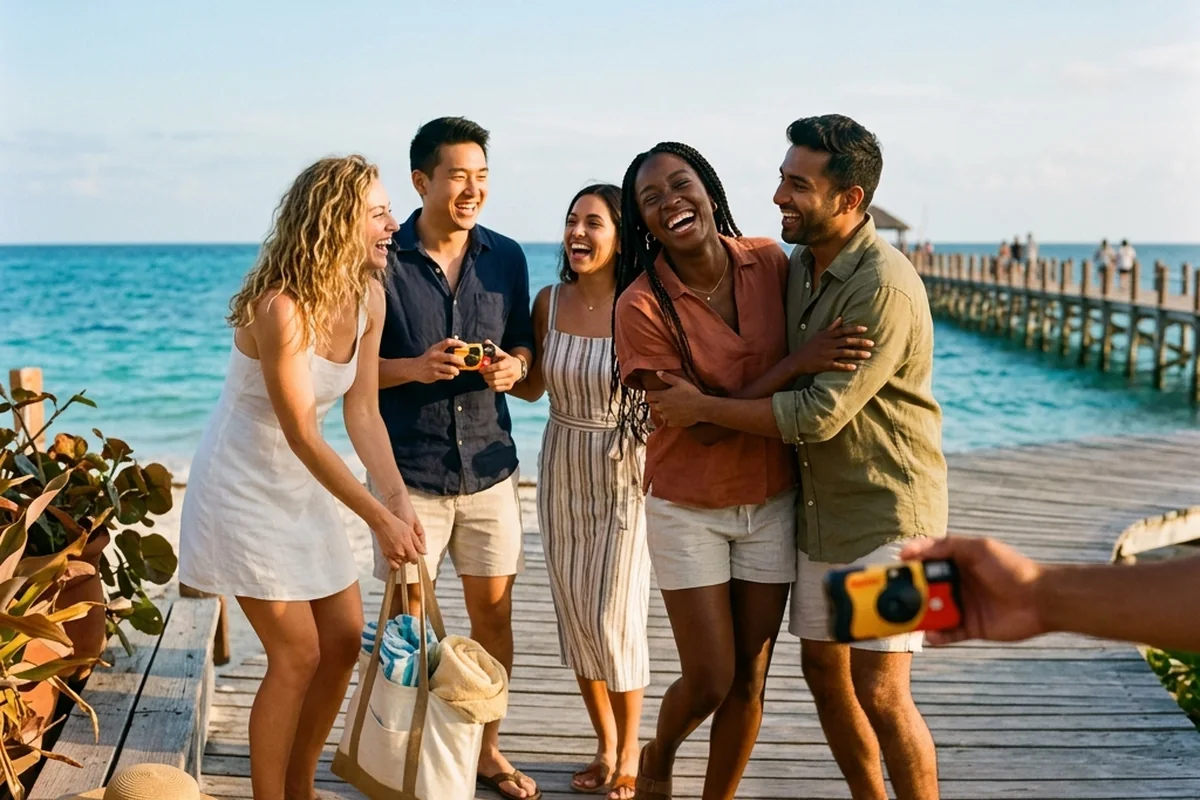
Group events
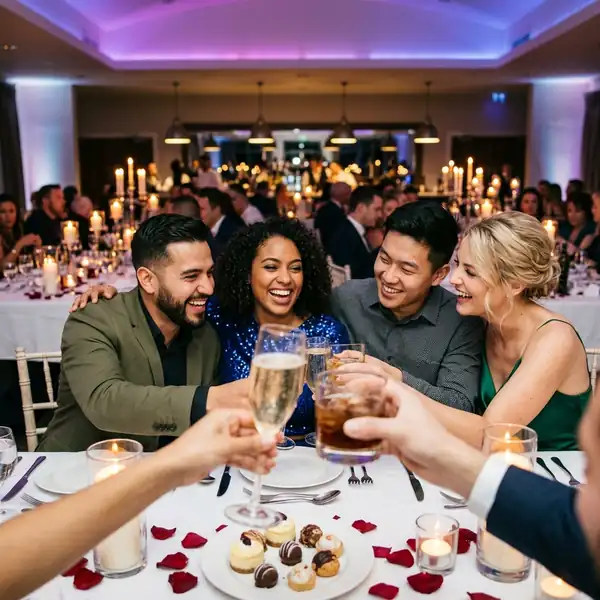
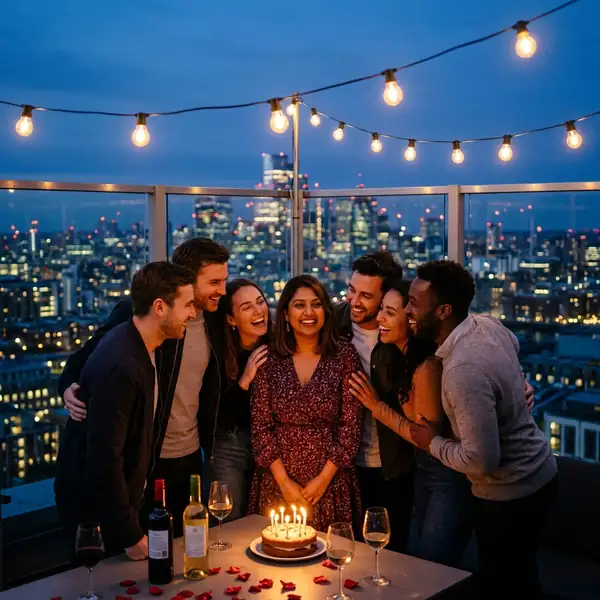
Trips, parties, reunions — everyone adds their photos, and everyone finds themselves.
Explore group eventsFor photographers & creators
Every photo you deliver markets you
Guests browse a clean gallery, download branded photos, and reshare them everywhere — so every event you deliver quietly brings new followers and the next client.
01In the gallery
Grow your following
After guests find their photos, a tasteful "Follow on Instagram" card appears. Value first, so the ask never feels pushy.
Shown at the perfect moment
It appears right after guests find their photos — the happy peak — never during the search wait.
One tap to your Instagram
A single "Follow on Instagram" button — the whole card is tappable and opens the IG app.
Image, GIF, or short video
Show your work — a photo, a looping GIF, or a muted clip up to 4 seconds.
Set once, reused everywhere
Save a promo default on your profile and it auto-fills every new event.
Image, GIF or short videoOne-tap FollowOn / off per eventNo follower counts

P
Captured by Priya Studios
@priya.studios
Connect with Priya Studios and explore more of their work.
Follow on Instagram
Maybe later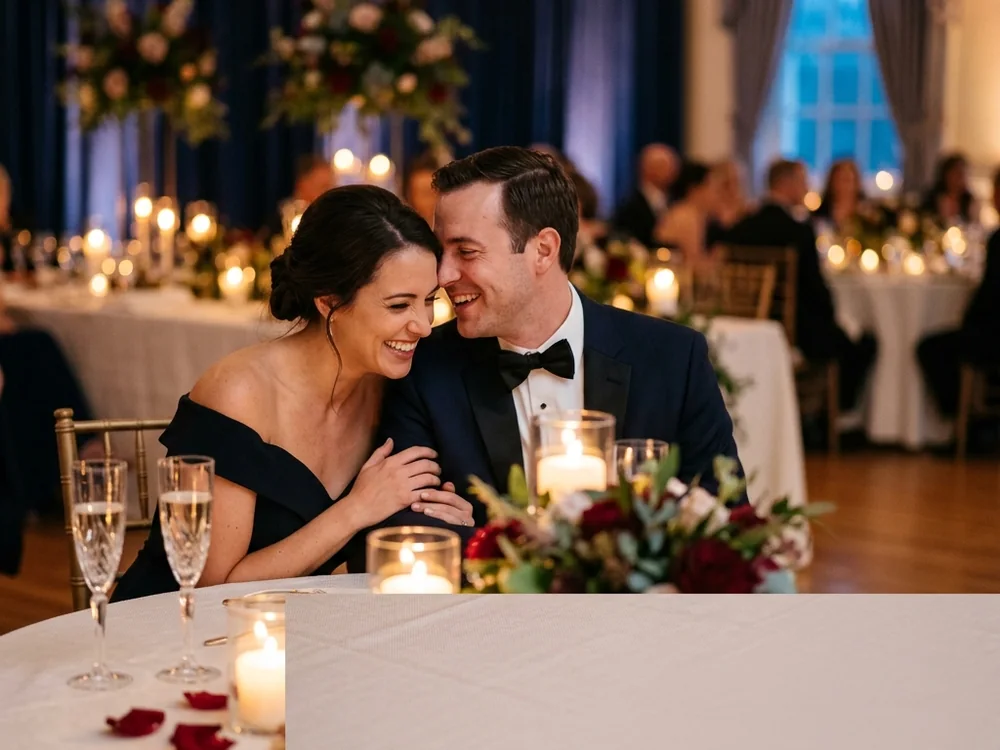
 Priya Studios
02On the download
Your brand travels with every share
Add your logo or @handle to the full-size photos guests download — so every photo that's saved and re-shared carries your name.
Your logo or your text
Upload a brand logo, or type a short line like @yourhandle or your studio name.
Only on the photos they keep
The mark lands on full-size downloads. The gallery guests browse stays clean and unmarked.
Set once, reused forever
Your corner, size and strength are remembered and auto-filled for the next event.
Included on every plan
Even free and demo events. One tap on or off, and it works the same on web and mobile.
Any of the 4 cornersSize S / M / LDrop shadow onOriginals never altered
Pricing
Plans scale by photo capacity
Start free with a live demo, upgrade when you need more room. No "guests at a time" — just how many photos your event holds.
Free demo
Demo mode
$0
A live demo event — public, with a 7-day window and a 200-photo allowance.
Launch a free demoPick a plan and a duration of 1–12 months. You pay the monthly price × the number of months, once. Your plan sets how many photos the event can hold.
One payment covers a full year — about 67% less than paying month to month, the cost of just four. Your plan still sets how many photos each event can hold.
Secure payments via Razorpay.FAQ
Questions, answered honestly
No. The whole scan → selfie → your-photos flow runs in any browser. A mobile app exists and is optional, best for hosts and photographers.
Open the event link or scan the QR, tap Find my photos, and take one selfie. You'll see the photos you appear in, ranked by match. (Up to 5 searches a day per event; reopening past results is free.)
Three levels: Public (anyone can browse and upload), Private (anyone can browse, a PIN is needed to upload), and Selfie-only (no public gallery — each guest only ever sees the photos their own face is in).
Yes on Public events; Private and Selfie-only need the event PIN. Photos can come from the camera, the phone gallery, or a public Google Drive link.
No. Guests self-serve with a selfie — there's no manual tagging.
Your selfie becomes an encrypted face signature used only to match you to photos at that event. It's never sold or shared, and you can delete it — and your whole account — anytime.
Nothing — run a free demo event (public, 200 photos, a 7-day live window, no card). Paid plans scale by photo capacity (500 → 4,000) and are billed per month.
For paid events, for the months you've paid for. Demo events run for 7 days. You can download your photos — including in bulk — any time.
You can add a custom cover/banner image (shown on the guest landing and share previews) and attach an Instagram "Follow" card that appears after guests get their photos.
Find your photos at every event you attend.
Start a free demo in minutes — no card required.
Start a free demo eventFree · no card required.